
 By: Angela Harris Published 4 Min. Read
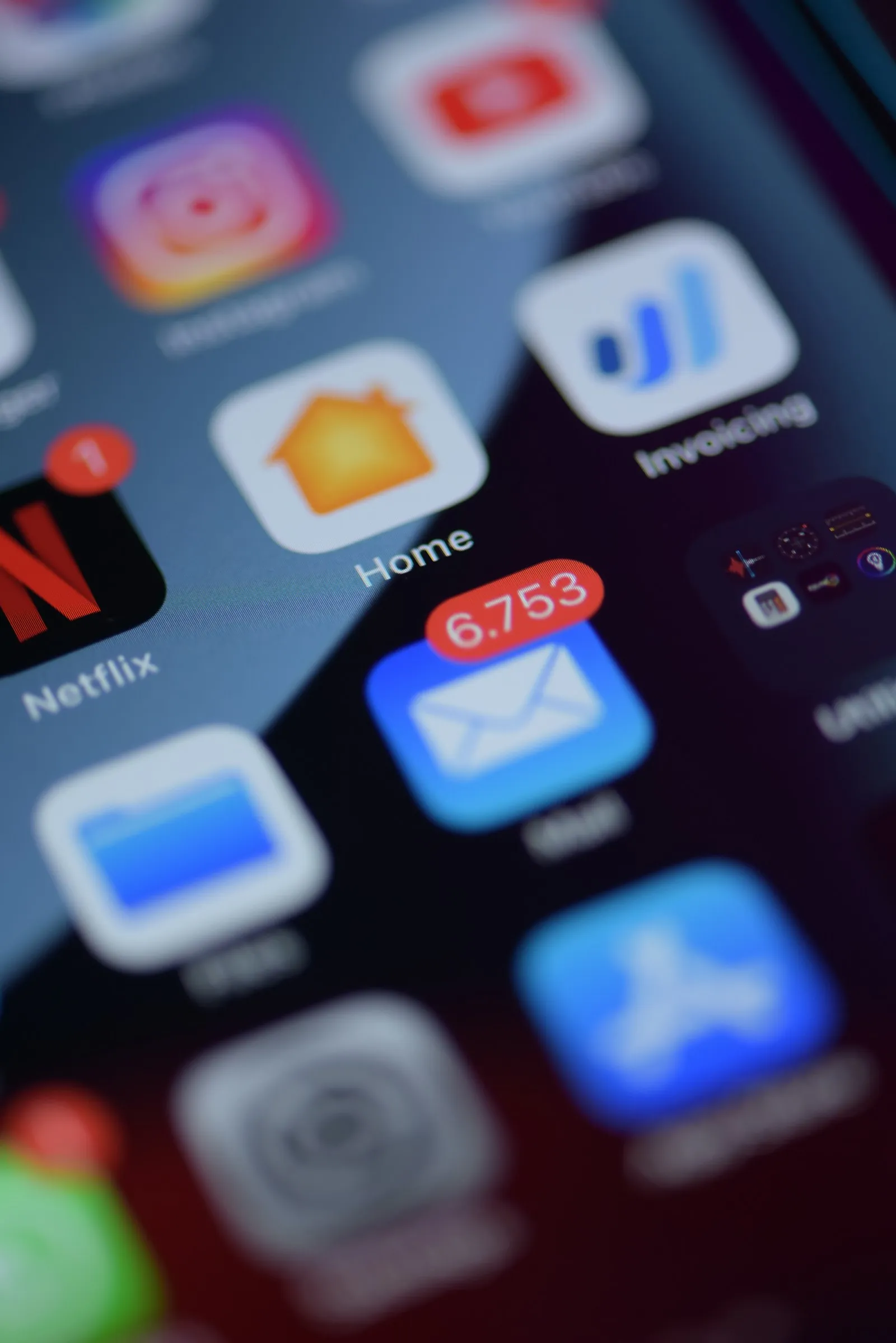
Your email is judged first as a notification: a sender name, a subject line and a short preview, all squeezed onto a lock screen. If that fails, nothing else matters. Designing for the phone means thinking about that moment before you think about the layout.
Win the lock screen
- Sender name: use a person or brand people recognise. “Sam from Markivo” outperforms “no-reply”.
- Subject line: keep the key words in the first 35 characters, where most phones cut the line.
- Preview text: add a detail the subject line leaves out.
Layout for thumbs
Most people read with one hand. Build the email for that:
- A single column that fits any screen without zooming.
- Body text of at least 16 pixels and a line height that is easy on the eye.
- Buttons at least 44 pixels tall, with space around them so they are hard to miss and hard to mis-tap.
If a reader needs to pinch and zoom, the email has already failed.
Keep images light
Images make an email beautiful and slow in equal measure. Compress them, give every image meaningful alt text and never put the key message only inside a picture. Some apps block images by default, so the email should still make sense without them.
Make the first screen count
Imagine only the top of the email is seen. It should hold the main idea, the reason to care and the first button. Everything below is a bonus for those who keep reading.
Test on real devices
Previews in an editor are a start, but nothing replaces opening the message on an actual phone in both light and dark mode. Send a test to two or three devices before every campaign and check:
- Does the subject line truncate where you expected?
- Are the buttons easy to tap?
- Does the email read well with images turned off?
A few minutes of testing prevents the sort of mistake that thousands of people see.


 Talk To Sales